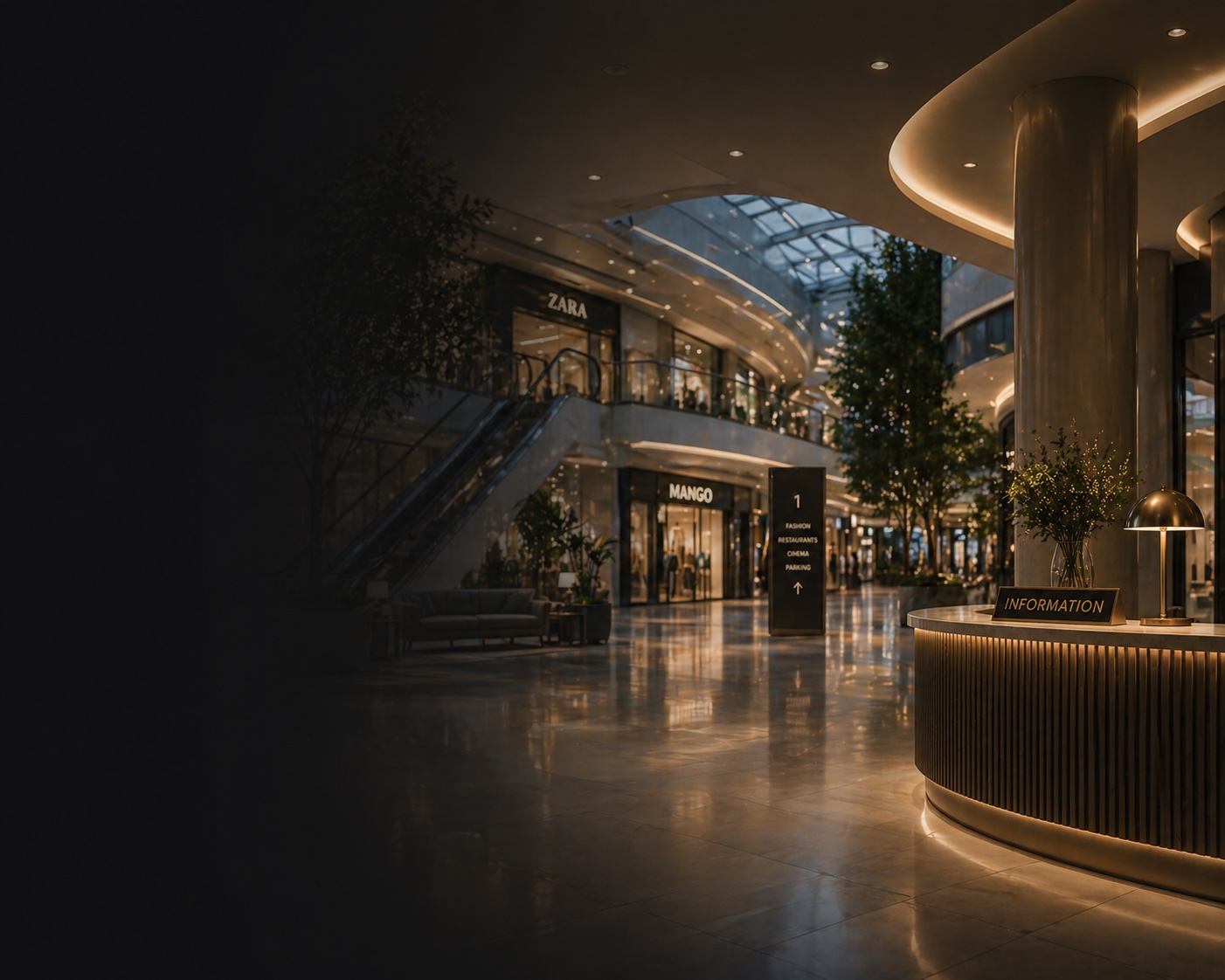
Inconsistent zone style
Food court, gallery, and hall audio feels disconnected.
Create consistent sound across galleries, food courts, entrances and rest zones — with zone-based music, scheduled announcements and centralized control.
Random background audio hurts navigation, weakens mall identity, and lowers overall customer experience quality.
Food court, gallery, and hall audio feels disconnected.
Ads and irrelevant tracks irritate visitors.
Personal music apps are not built for public business playback, and requirements vary by market.
Each spot or shift handles background audio differently.
Morning flow and evening peak need different dynamics.
Security and admins spend time switching music manually.
The platform builds a managed audio strategy for mall goals: traffic flow, navigation, dwell time, and loyalty.
Separate streams for galleries, food court, halls, and rest zones.
Music adapts by daypart and mall load in real time.
Announcements for events, campaigns, and mall services.
Manage one mall or a full network from one dashboard.
One sound standard with local adaptation per site.
Commercial-ready music for public shopping spaces.
Example music scenarios for shopping malls.
Calm neutral background for day start and early visitors.
Calm neutral background for day start and early visitors.
Steady rhythm for comfortable movement across floors.
A more energetic stream for high footfall periods.
Lively but balanced background for longer stays.
Soft rhythm for breaks and calm waiting.
Welcoming background for a positive first impression.
Comfortable atmosphere for family and longer visits.
Dynamic pacing for high weekday and weekend footfall.
Refined sound for premium brands and zones.
Separate modes for cinema, gaming, and common areas.
Balanced energy for dwell time and seat turnover.
Centralized control with local profiles per property.
A baseline template easily adapted to your mall schedule and traffic profile.
| Time | Mall State | Music Mode |
|---|---|---|
| 10:00-12:00 | Opening | Calm welcoming stream |
| 12:00-17:00 | Day traffic | Steady rhythm for comfortable navigation |
| 17:00-21:00 | Evening peak | More energetic mode for active traffic |
| 21:00-22:00 | End of day | Soft closing stream |
| Format | Without Tunio | With Tunio |
|---|---|---|
| Galleries | Random background audio | Managed brand stream |
| Peak traffic | Same music all day | Dynamic pacing for real traffic |
| Food Court | Noise overload | Balanced music mode |
| Mall network | No standards between properties | Central strategy + local profiles |
| Music setup | Licensing uncertainty | Business-ready playback with clear terms |
Add voice messages about campaigns, events, and mall services.
Giveaways, seasonal campaigns, openings, and activations.
Consistent communication style across all mall zones.
No special hardware, manual playlists, or waiting for a manager required.
Create an account and get started without waiting for a manager.
Choose a ready template or set your own genre mix.
Launch the stream in a browser or on a TV box via Tunio Spot.
If needed, set time slots, playlists, and announcements.
Create a screen in our builder to output the required video stream to a TV panel.
Control all broadcasts in real time from one panel.
Music becomes a tool for traffic management and customer experience quality.
Automation reduces operational routine.
A stronger audio environment improves visitor satisfaction.
Yes. Separate streams can be set for galleries, food court, entrances, and rest zones.
Yes. Properties are managed centrally with local settings per site.
Yes. The solution is designed for commercial playback environments.
Yes. Campaign, event, and service announcements are supported.
A basic launch usually takes up to one business day.
No. After setup, the system runs automatically.
Yes. Scenarios are easy to edit for the mall marketing calendar.
Yes. Tunio scales from one property to a large network.
Share your setup and get a zone-by-zone stream structure aligned to your schedule and mall format.